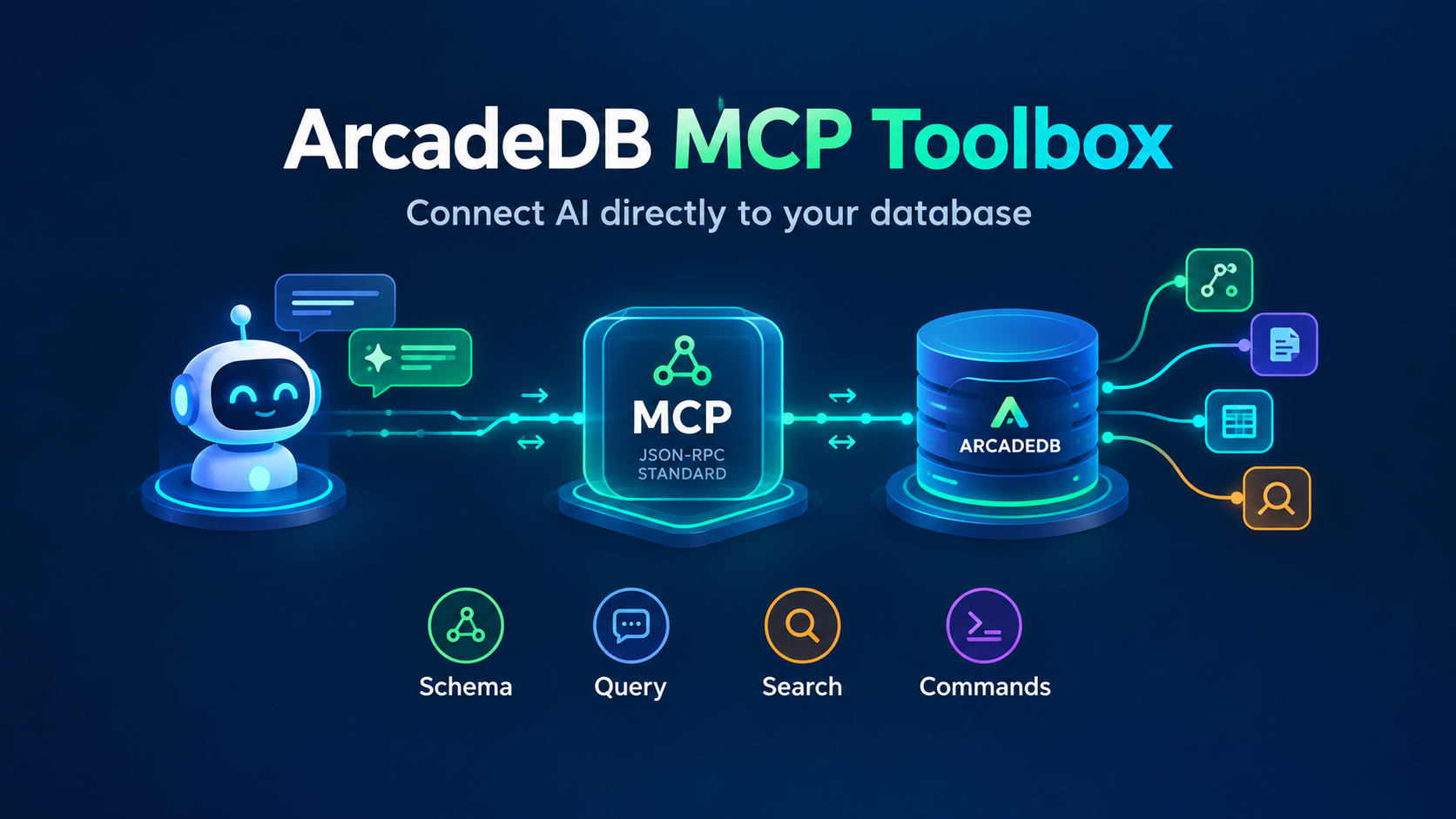
Google’s MCP Toolbox for Databases now ships a first-class ArcadeDB integration. Point any MCP-compatible agent, Claude, Cursor, or a custom LangChain/ADK/Genkit pipeline, at a running ArcadeDB instance, and it can query graph, document, vector, or time-series data in Cypher or SQL, with connection pooling, authentication, and OpenTelemetry observability handled by the toolbox rather than by your application code.
That last part is the detail worth sitting with. The Toolbox (16.5k stars on GitHub, Apache 2.0, maintained by Google) is already the MCP server plenty of teams point at PostgreSQL, BigQuery, Snowflake, Spanner, and Neo4j. ArcadeDB is now in that same list. A team already running the Toolbox in front of Neo4j or Postgres doesn’t need to learn a new integration pattern to add ArcadeDB: it’s the same source-and-tool YAML shape, the same auth model, the same observability pipeline. That’s real distribution, not a blog-post announcement.
What the Toolbox actually does
MCP Toolbox for Databases solves a problem that shows up the moment you connect more than one agent to more than one database: every hand-rolled integration reinvents connection pooling, credential handling, and query safety. The Toolbox centralizes that. You describe a source (a database connection) and one or more tools (a named, scoped operation an agent can call) in YAML, and the Toolbox exposes those tools over MCP. Support for Google Sign-In and generic OIDC, Model Armor request screening, telemetry export, and read-only tool modes all come from the Toolbox itself, so an ArcadeDB integration inherits them for free.
Configuring the ArcadeDB source
A source points the Toolbox at a running ArcadeDB server over the Bolt protocol:
kind: source
name: my-arcadedb-source
type: arcadedb
uri: bolt://localhost:7687
user: root
password: ${PASSWORD}
database: "mydb"
This assumes ArcadeDB running as a server with Bolt enabled, since the Toolbox connects to it the same way a Neo4j driver would. ${PASSWORD} is environment-variable substitution: the Toolbox recommends it over hardcoding credentials in the YAML, which matters the moment this config file ends up in a repository.
The two tools
With the source defined, the integration exposes exactly two tools.
arcadedb-execute-cypher runs Cypher against the source:
kind: tool
name: query_arcadedb
type: arcadedb-execute-cypher
source: my-arcadedb-source
readOnly: true
description: |
  Execute Cypher against ArcadeDB in read-only mode.
  Example:
  {{
      "cypher": "MATCH (n) RETURN count(n)"
  }}
arcadedb-execute-sql runs ArcadeDB SQL, which is where the multi-model part of ArcadeDB shows up: the same tool reaches graph and document data in one query, since SQL and Cypher operate against the same underlying records.
kind: tool
name: query_arcadedb_sql
type: arcadedb-execute-sql
source: my-arcadedb-source
description: |
  Execute SQL against ArcadeDB.
  Example:
  {{
      "sql": "SELECT FROM Person WHERE name = :name LIMIT 5",
      "params": {
        "name": "Ada"
      },
      "dry_run": false
  }}
Both tools accept readOnly to block write statements and a per-call dry_run to validate a query without running it. Set readOnly: true unless the agent genuinely needs to write, the same way you’d scope any credential you hand to an LLM.
Not a replacement for the built-in MCP server
ArcadeDB has had its own built-in MCP server since v26.3.1, running inside the database engine with five tools covering schema discovery, querying across every supported query language, and writes with per-operation permission flags. That path is still the fastest way to connect a single AI client directly to a single ArcadeDB instance: nothing to deploy, native authentication, zero extra hops.
The Toolbox integration solves a different problem. It’s for teams that already standardized on the Toolbox as their agent-to-database layer, often because they’re already using it for other databases in the same stack. For them, ArcadeDB showing up as a source type means one less custom integration to maintain, and it means ArcadeDB gets evaluated in the same breath as PostgreSQL, Spanner, and Neo4j rather than needing a separate pitch for why an AI agent should be allowed to talk to it at all.
Try it
The full integration docs, including the generic prebuilt-config workflow the Toolbox uses for every source type, are at mcp-toolbox.dev/integrations/arcadedb. The Toolbox itself is on GitHub at googleapis/mcp-toolbox.